Turn any raster map into
editable vector layers.
Beyond georeferencing, Monarcha extracts geological units, boundaries, infrastructure, and annotations into clean, attributed vector data.
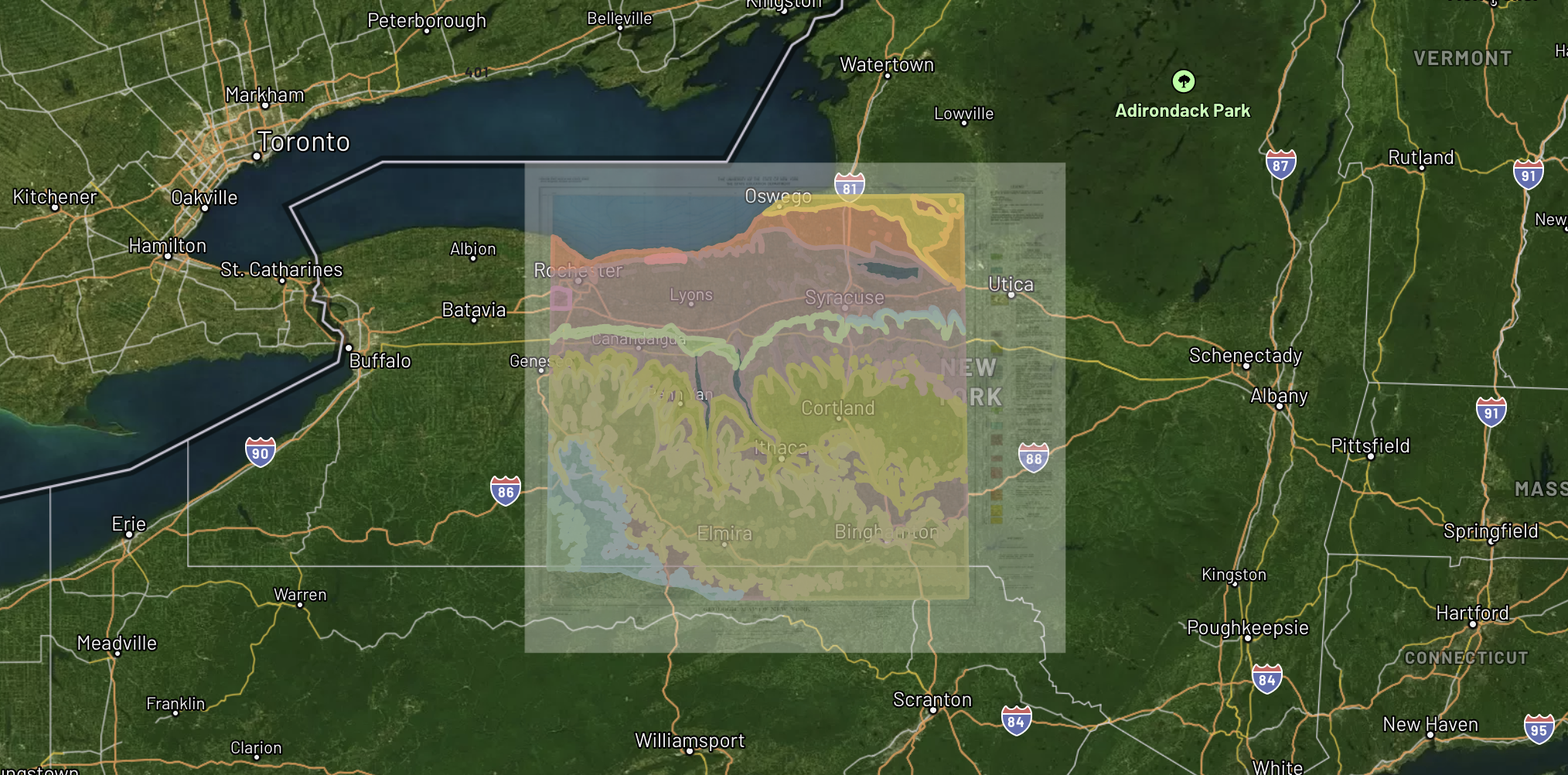
Digitized Layers
finger_lakes_geological.png
Geological Units
Fault Lines
Contour Lines
Drill Collars
What the Digitizer extracts
Polygons
Geological units, zoning districts, soil types, land parcels. Any closed-boundary feature gets extracted as an attributed polygon layer.
Lines
Fault lines, road centerlines, utility corridors, contour lines, property boundaries. Detected by color, weight, and pattern.
Points
Drill hole markers, well locations, survey monuments, building locations. Symbols identified and geolocated.
Attributes
Map labels, legend entries, and annotations are parsed and attached as attribute data to corresponding vector features.
How it works
Upload a georeferenced map
Start from a georeferenced raster or let Monarcha georeference and digitize in a single pass.
AI detects features
Computer vision identifies distinct map features (colors, line weights, symbols, text) and converts them to vector geometries.
Edit and export
Review extracted layers in the built-in editor. Merge, split, or reclassify features, then export as Shapefile, GeoJSON, or KML.
Export to any GIS platform
Bring digitized layers directly into ArcGIS, QGIS, Leapfrog, or any GIS platform. Full CRS metadata and attribute tables preserved.